

Strand Settings
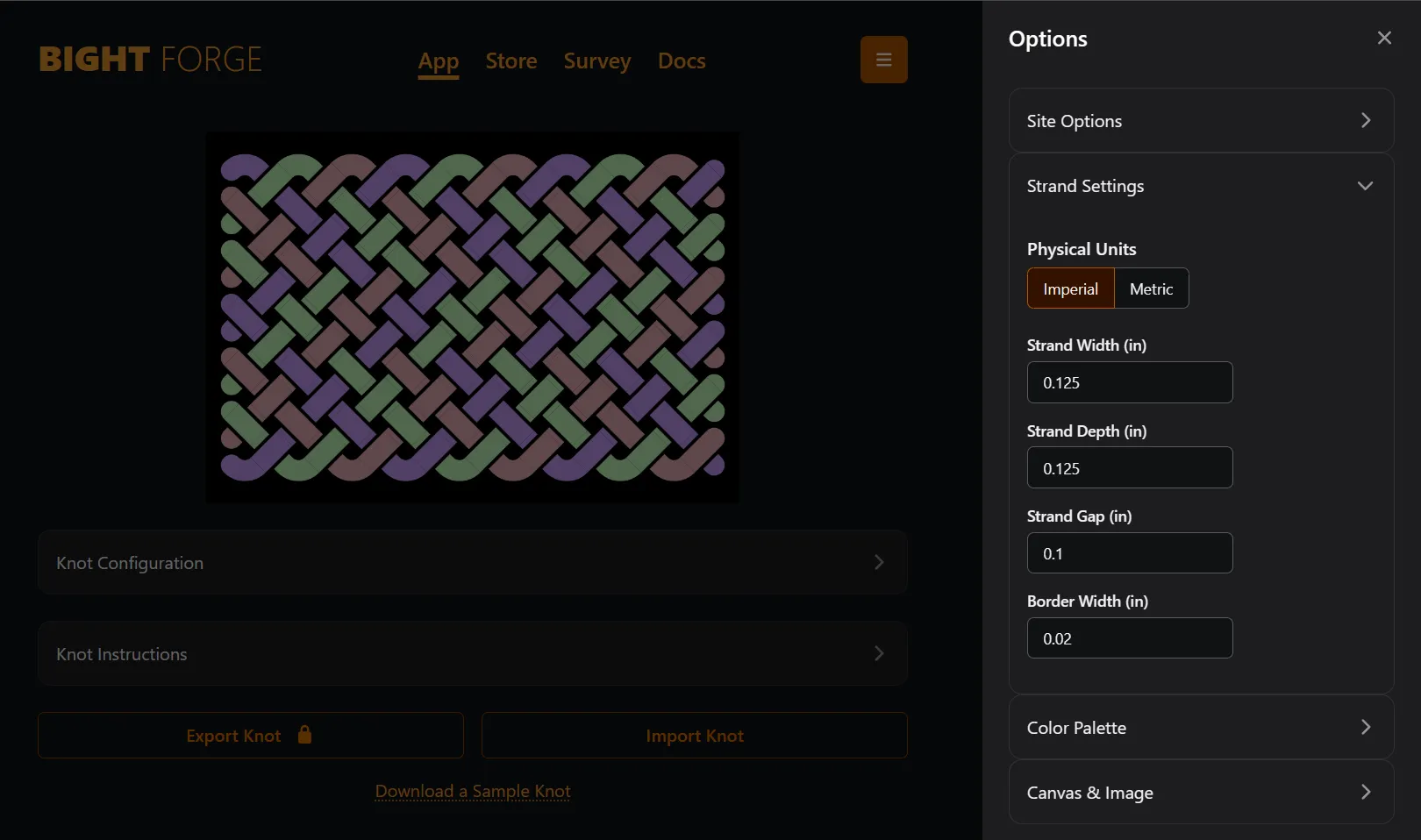
Bight Forge generates size estimates based on Strand Settings.
Number of Strands
Section titled “Number of Strands”There is no input for number of strands. Instead, Bight Forge automatically calculates how many strands are needed and assigns each a unique color.
Learn more: GCD & Number of Strands
Physical Units
Section titled “Physical Units”Bight Forge displays size data using either Imperial inches or Metric centimeters. Switch on Options > Canvas & Image: Show Grid Boundary to see the size area.
Strand Width & Strand Depth
Section titled “Strand Width & Strand Depth”Bight Forge strand length estimates are three dimensional. Specifically, Strand Depth in combination with Strand Gap are used to account for the strand length needed to traverse the overs and unders. This is helpful for:
- Working with straps where the width can be very different than the depth.
- Working with gutted paracord which is much like working with a strap.
- Accounting for how soft or firm cord is and how tight the knot will be dressed.
Strand Gap
Section titled “Strand Gap”Strand Gap is the distance between strands and is used in size estimates. Use a larger gap to represent the on-mandrel size. Use a smaller gap to represent the dressed knot.
Border Width
Section titled “Border Width”Use Border Width to make crossings easier to see. This setting is NOT used in size estimates.
Popular Paracord Diameters
Section titled “Popular Paracord Diameters”| Type | Inches | Centimeters |
|---|---|---|
| Nano | 0.030 | 0.075 |
| Micro | 0.046 | 0.118 |
| Micro 90 | 0.047 | 0.120 |
| 95 | 0.069 | 0.175 |
| 275 | 0.094 | 0.238 |
| 325 | 0.118 | 0.300 |
| 425 | 0.118 | 0.300 |
| 550 | 0.158 | 0.400 |
| 750 | 0.158 | 0.400 |
| 850 | 0.197 | 0.500 |