Canvas & Image Settings
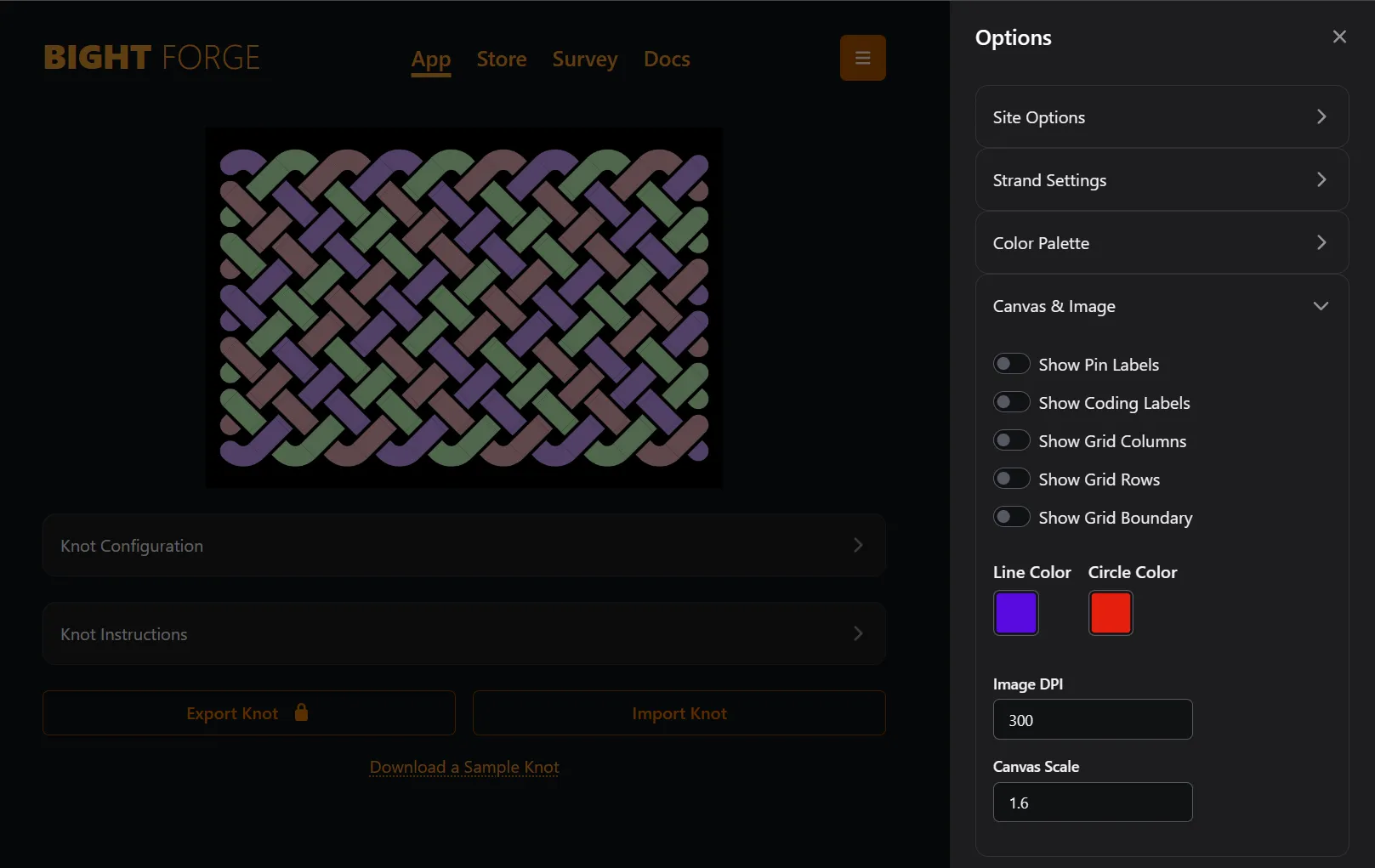
Canvas & Image settings control what is visible on the canvas, the resolution of knot images, and the size of the canvas on-screen.
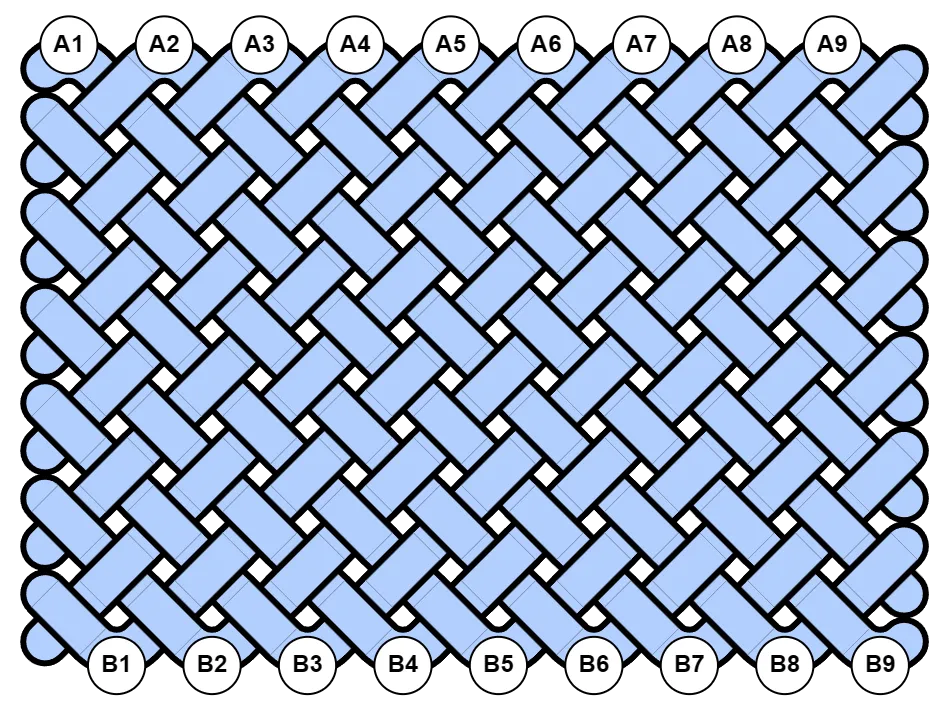
Show Pin Labels
Section titled “Show Pin Labels”Use this to show-hide pin labels on the canvas.
Show Coding Labels
Section titled “Show Coding Labels”Use this to show-hide labels showing how the Coding Pattern is applied.
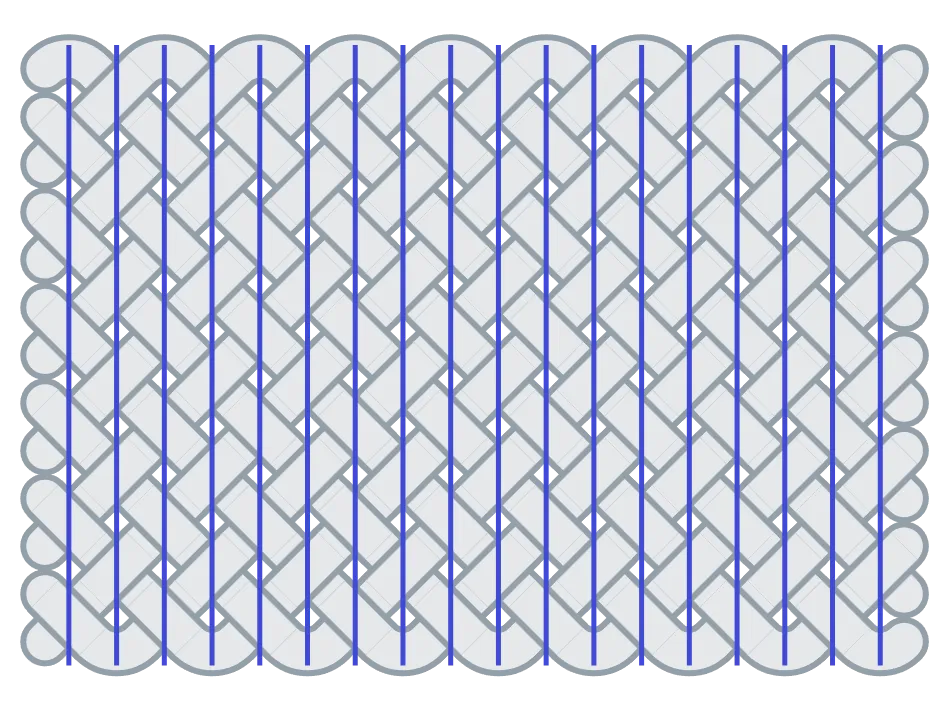
Show Grid Columns
Section titled “Show Grid Columns”Use this to show-hide grid lines where column coding is applied.
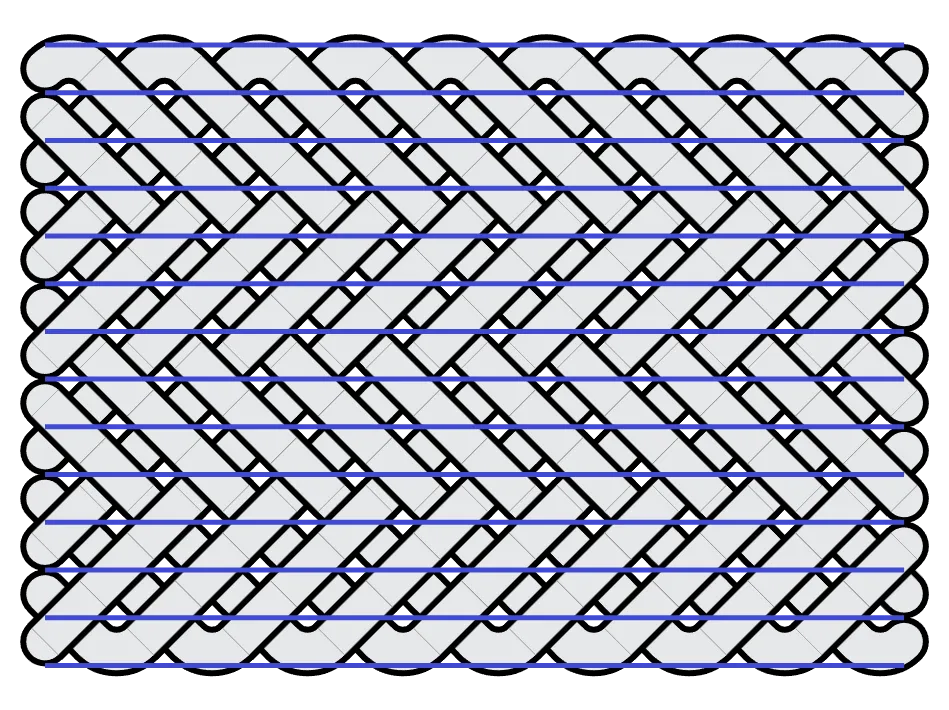
Show Grid Rows
Section titled “Show Grid Rows”Use this to show-hide grid lines where row coding is applied.
Show Grid Boundary
Section titled “Show Grid Boundary”Use this to show-hide the grid boundary box used for size estimates.
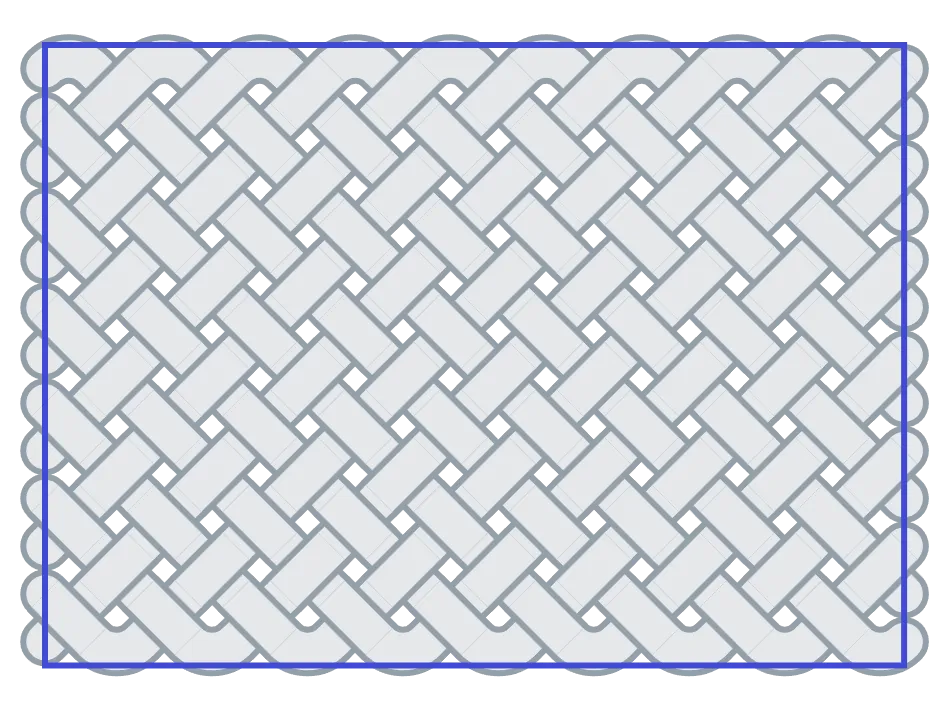
Image DPI
Section titled “Image DPI”Image DPI is useful for printing knot images to match physical dimensions. A common use case is sizing the image to fit a mandrel using a combination of Stretch Grid and DPI. Here Image DPI should match your printer’s DPI.
Canvas Scale
Section titled “Canvas Scale”Canvas Scale lets you adjust the size of the on-screen canvas for better viewing. It does not impact knot size or strand length estimates.