Canvas Mode
Canvas Mode control what happens when you interact with the knot canvas.
Recalculate
Section titled “Recalculate”In this mode, the entire knot is recalculated each time a parameter is changed - either by click-dragging the canvas or updating an input. Use this mode to explore different bight-part combinations.
Note that in Recalculate mode, the size fields are read-only.
IMPORTANT: The knot is redrawn from scratch using the Coding Pattern - any changes made using Toggle OU will be lost.
Stretch
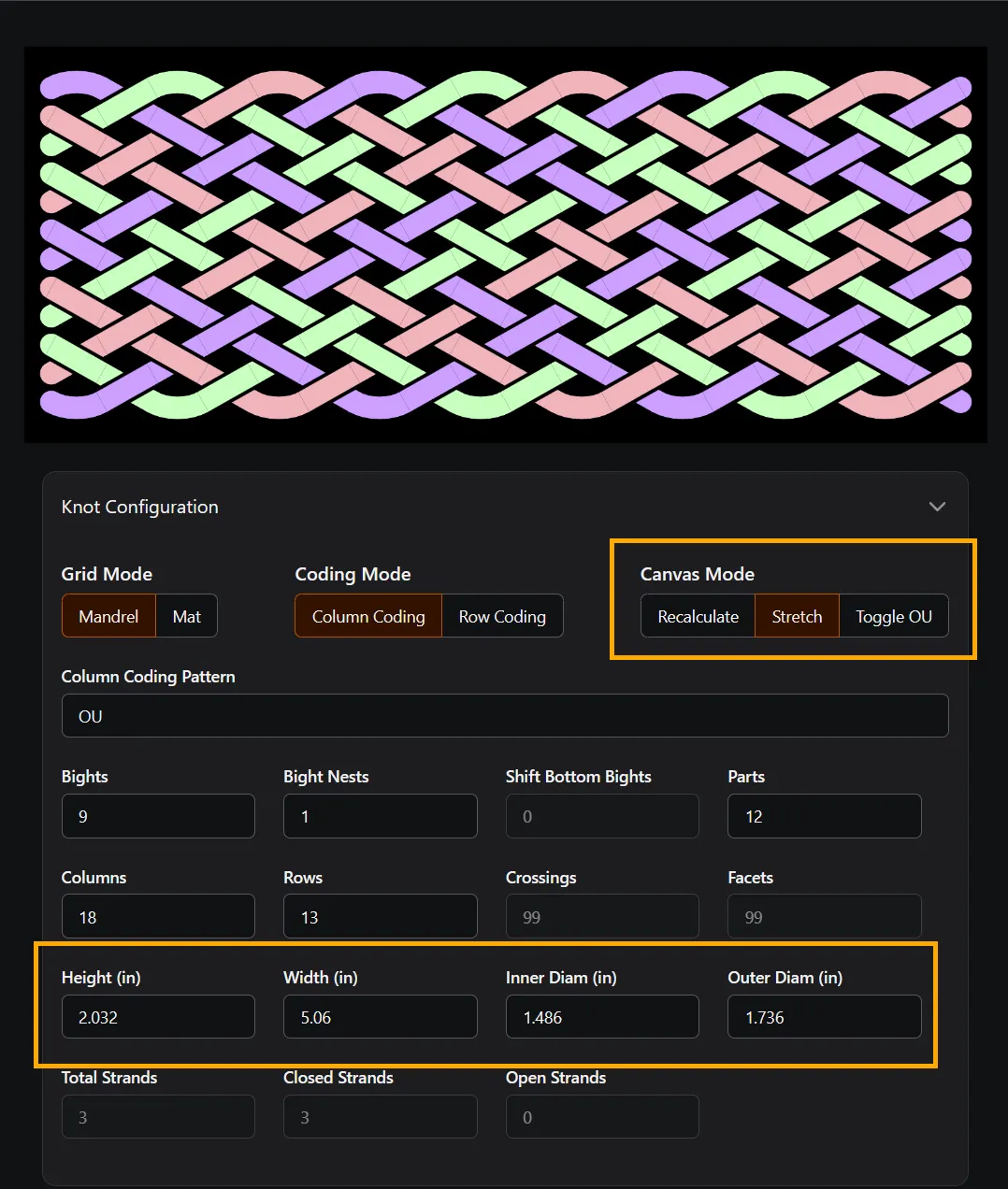
Section titled “Stretch”In this mode, click-dragging to resize the canvas changes the distance between nodes without changing the structure of the knot.
In Stretch mode, the size fields become live inputs.
Use this mode to better approximate your mandrel or how you intend to dress the knot for size estimates.
Toggle OU
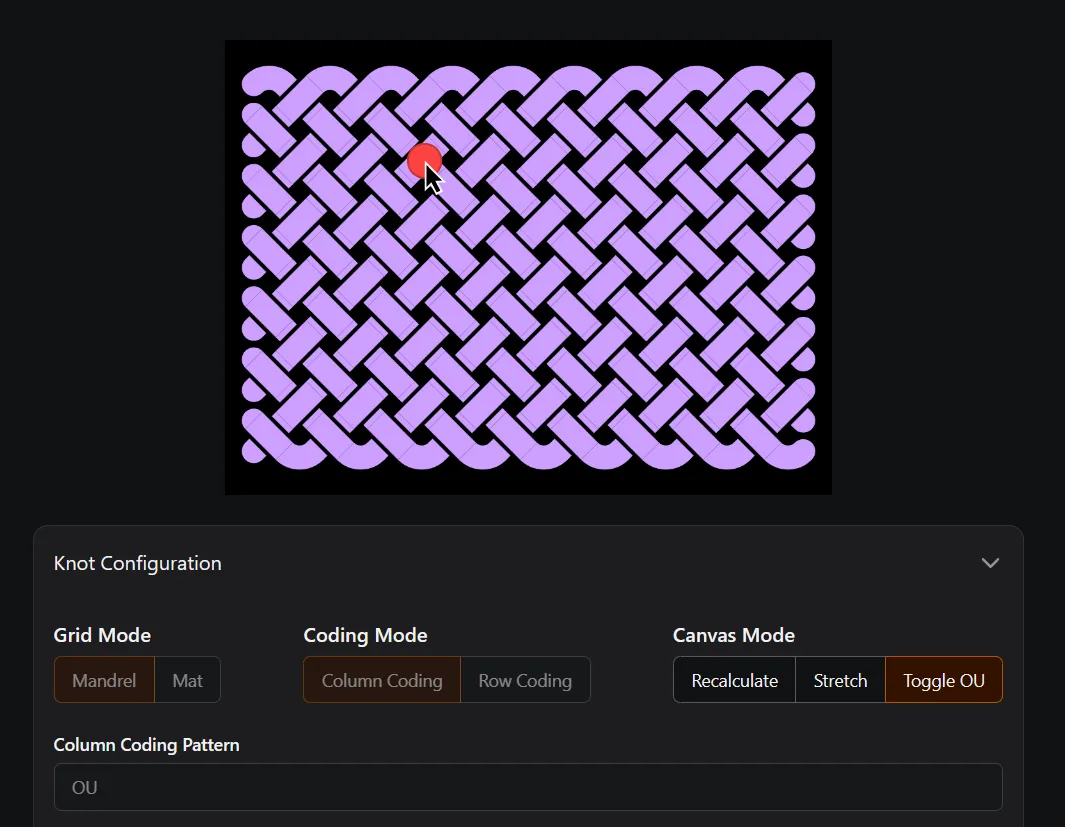
Section titled “Toggle OU”In this mode you can click a crossing to switch it from over to under or vice-versa.
When using Toggle OU mode, all of the structural inputs are disabled to prevent the knot from recalculating if a parameter were accidentally changed.