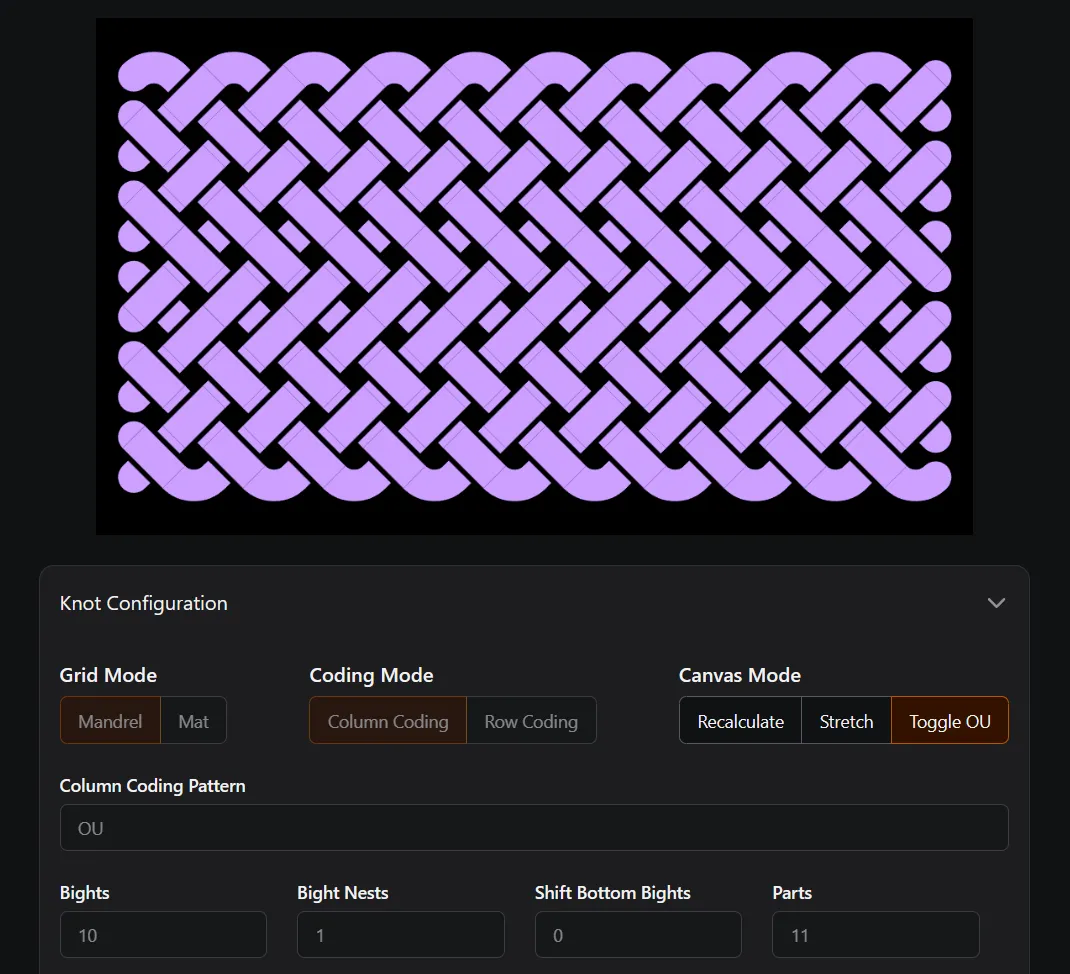

Toggle OU
The most common way to use Toggle OU mode is to start with a repeating Coding Pattern, then using this mode to target specific crossings.
Fan Knots
Section titled “Fan Knots”Perhaps the most useful thing you can do with Toggle OU is to lock the bights on column coded knots. This Fan knot started with O2U2 Column Coding.
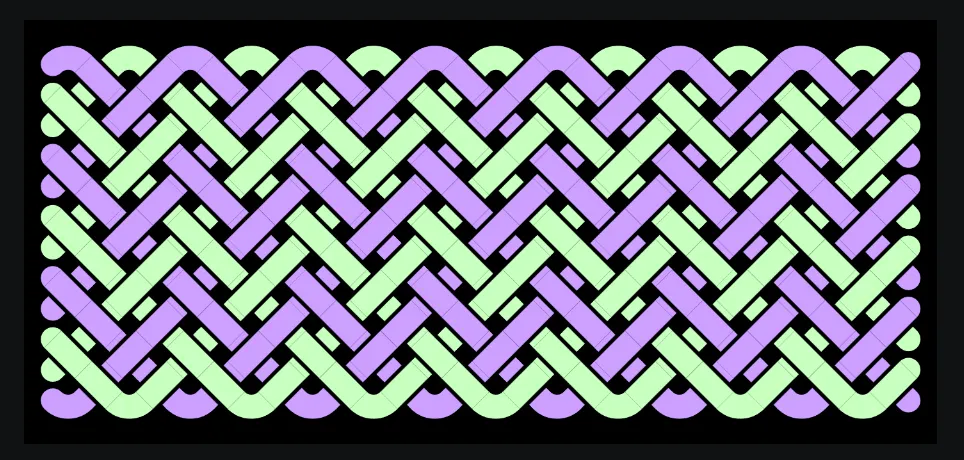
Then Toggle OU was used to flip the first 2 rows of the green strand, and the last 2 rows of the purple strand.
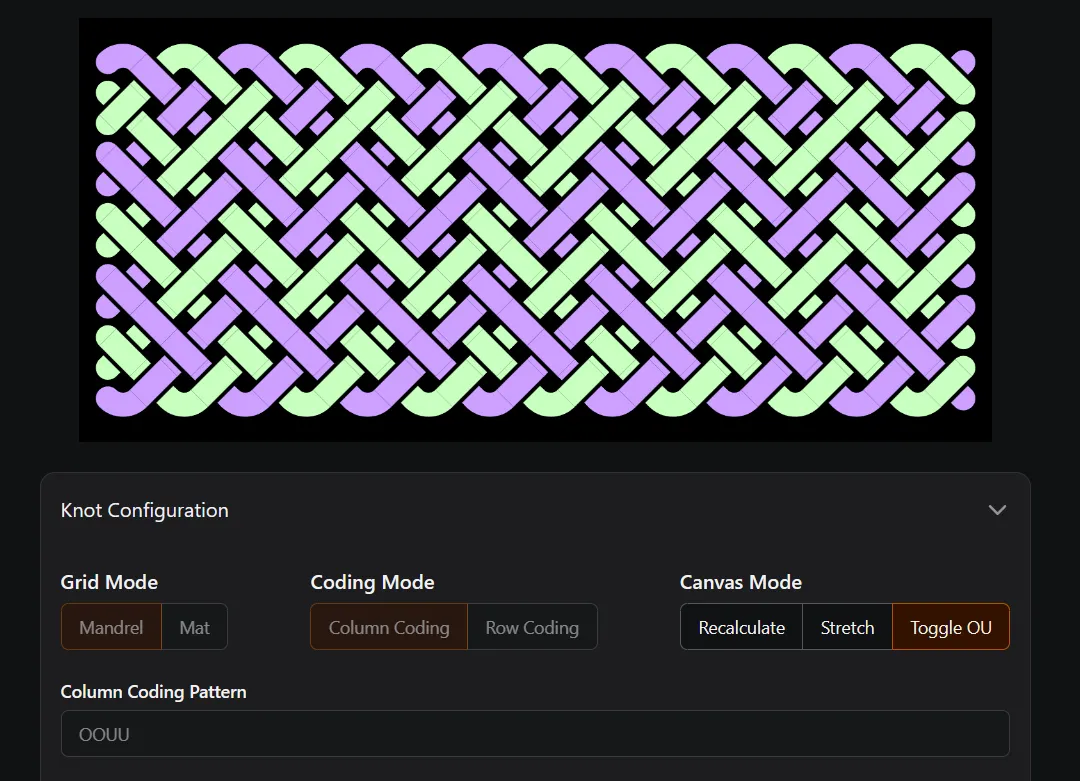
Mat Knots
Section titled “Mat Knots”Using O2U2 and O3U3 patterns for mat knots presents an interesting challenge for both Column Coding and Row Codding. These can be solved using a combination of techniques.
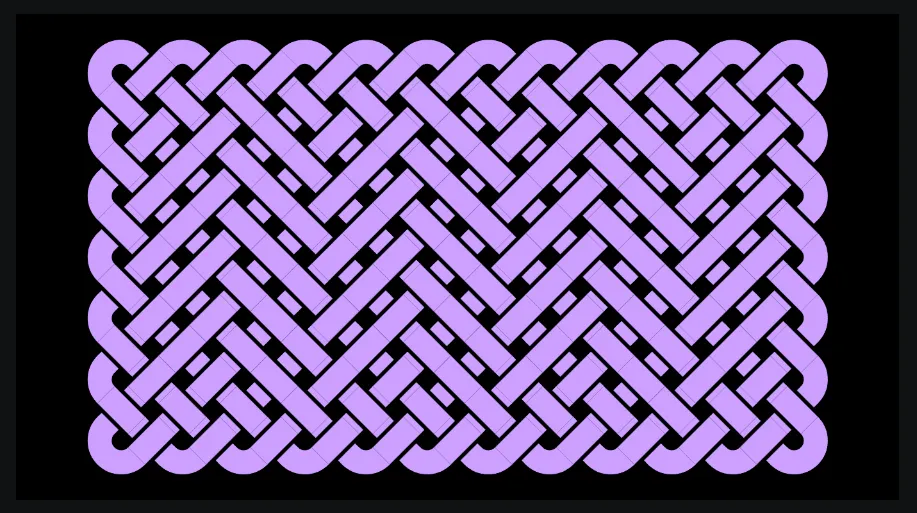
For example, this knot is using OUUUOO Column Coding, which when looped is an O3U3 pattern. With this pattern and the right number of columns, the left and right bights are exactly right.
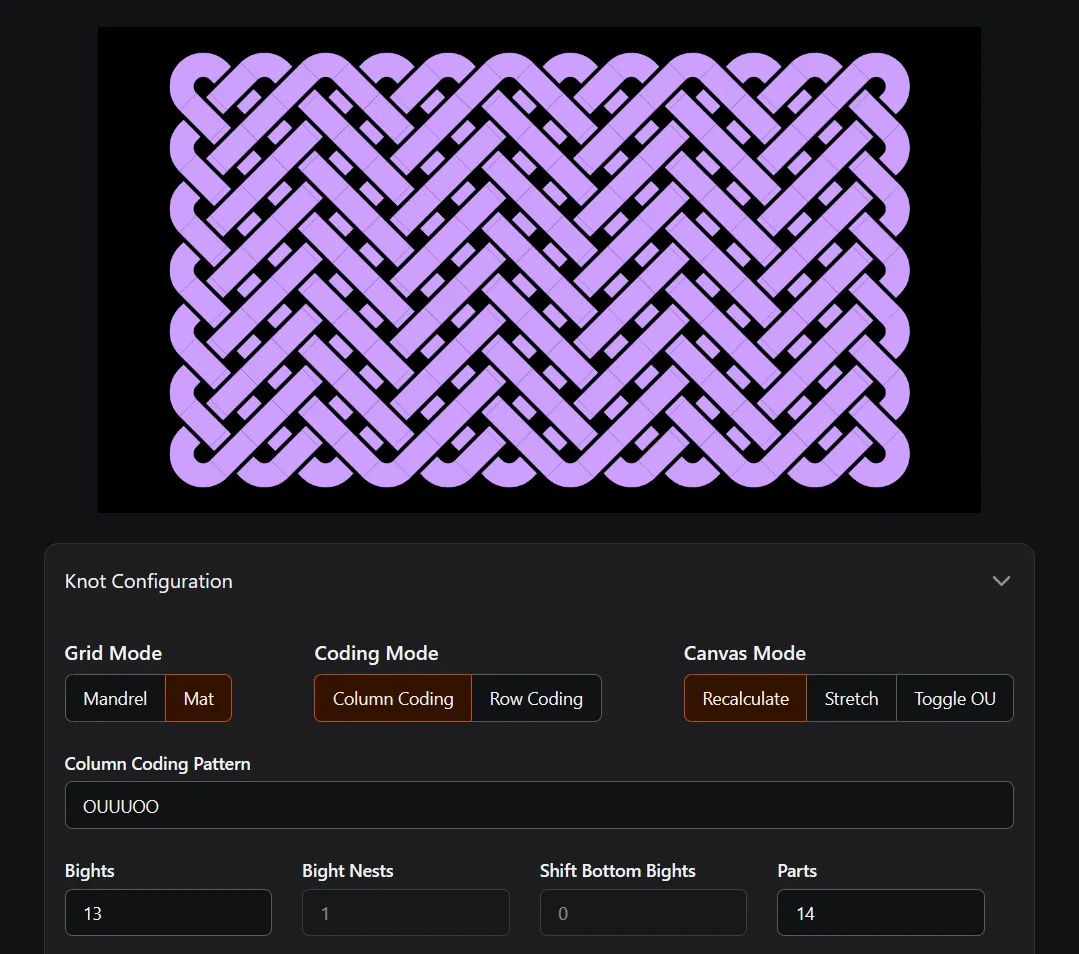
Then Toggle OU is used to improve the top and bottom bights so the mat holds up well.
Pineapple Knots
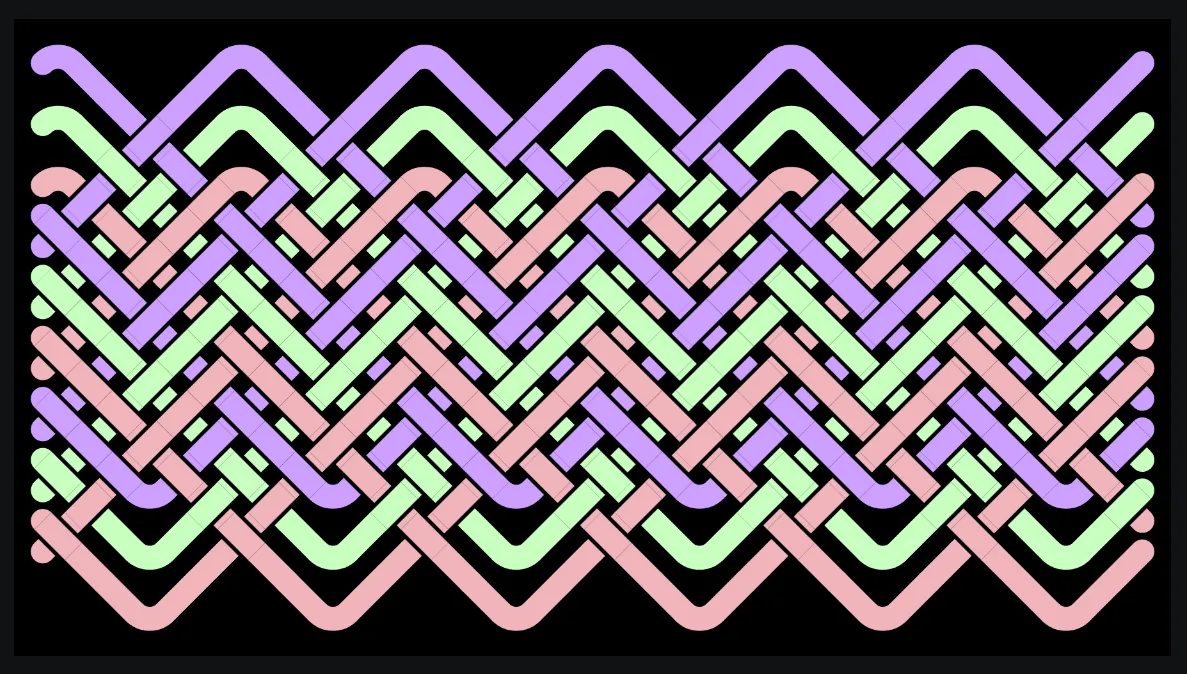
Section titled “Pineapple Knots”The struggle with Pineapple knots can be seen here by looking at the top red bights and the bottom purple bights - rings C and D.
These bights exit as over 3, then enter as over 3. There is nothing holding these bights in place, which may or may not be what you want.
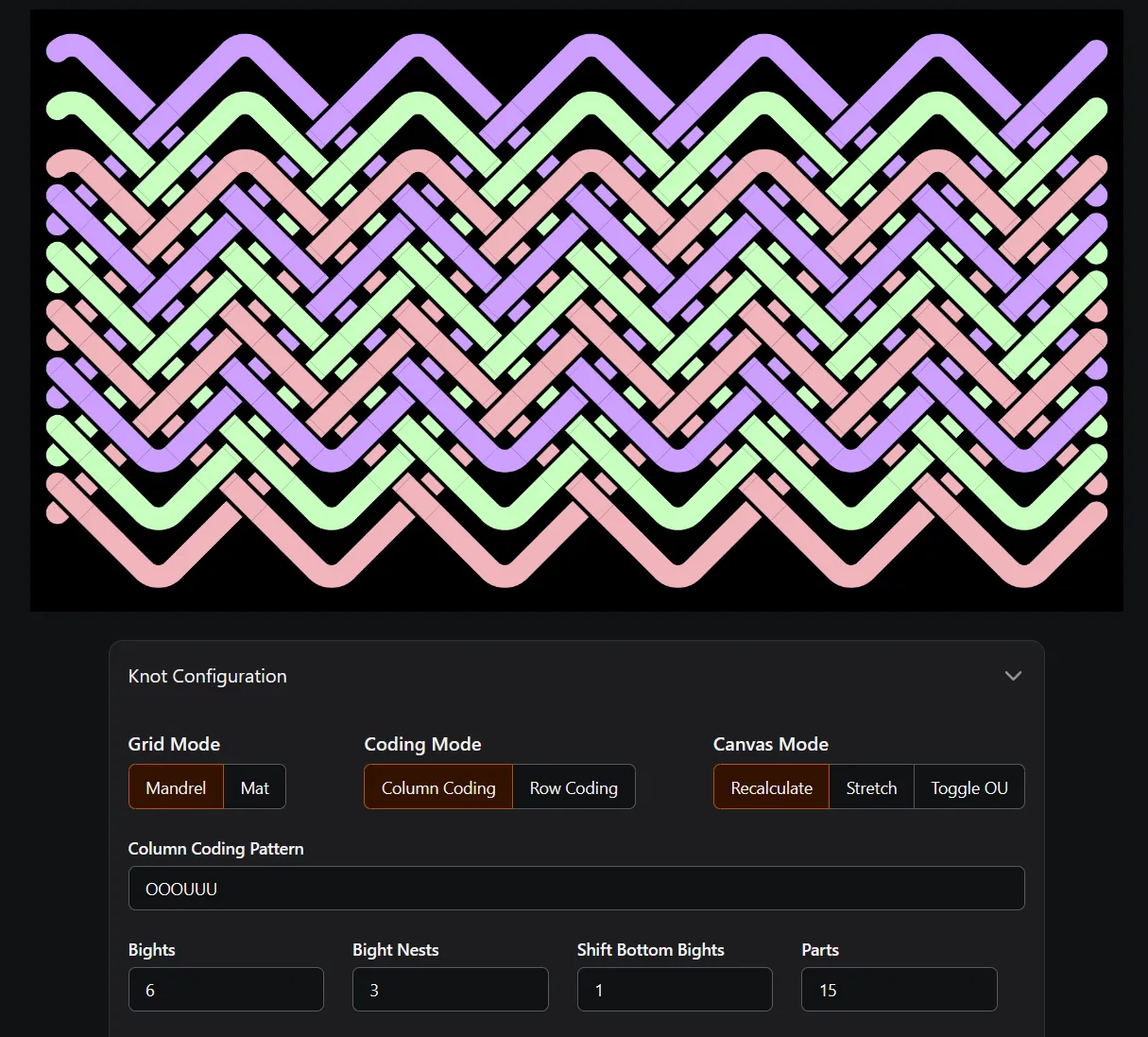
Toggle OU can be used to lock these bights, similar to this image.
Bight Nests and Row Coding
Section titled “Bight Nests and Row Coding”I personally love the look of using multiple bight nests with row coding. Similar to Pineapple knots, the bights may or may not be exactly what you want.
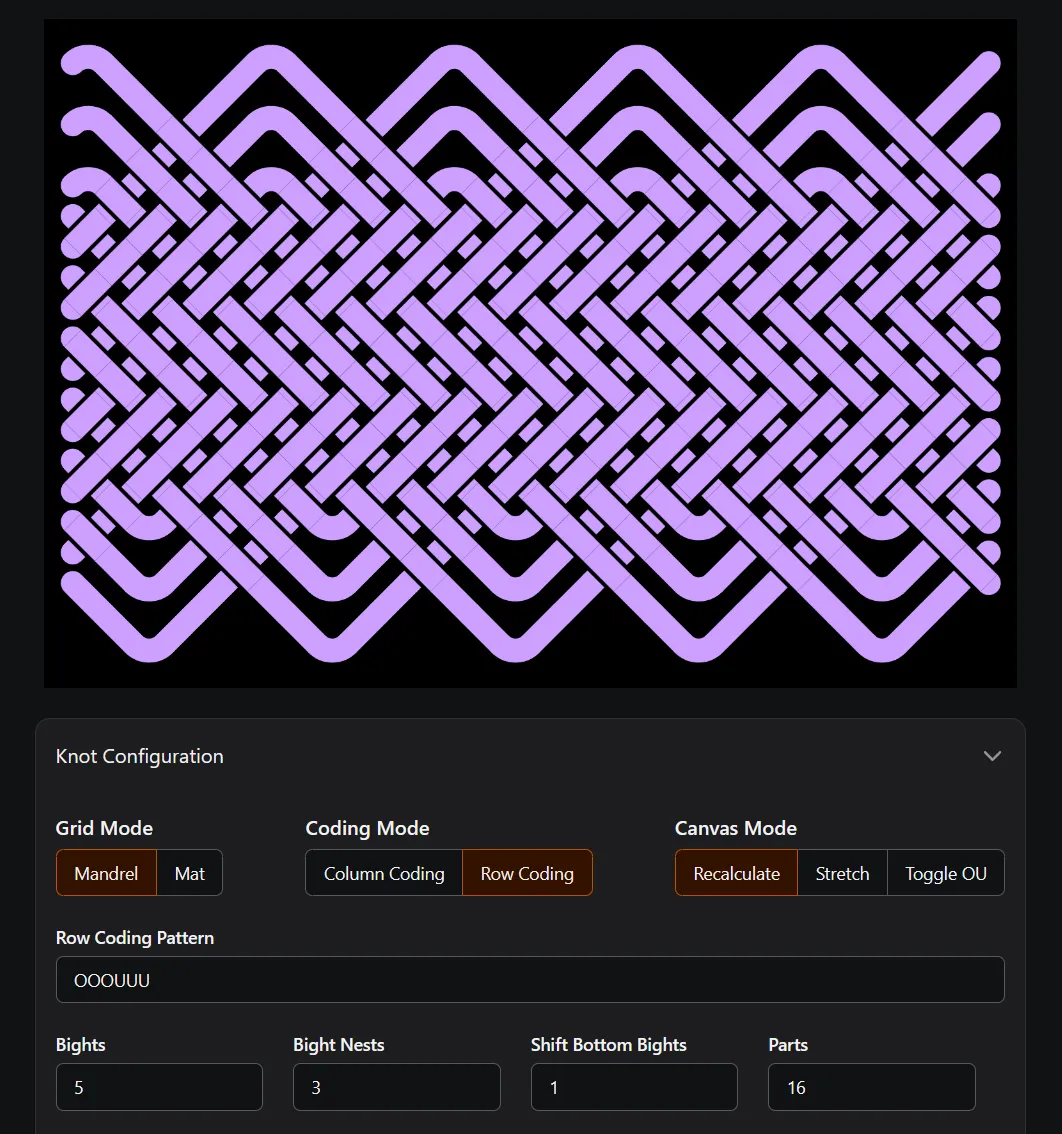
Here again, Toggle OU can be used to modify bights to your liking.
An Easy Alternative
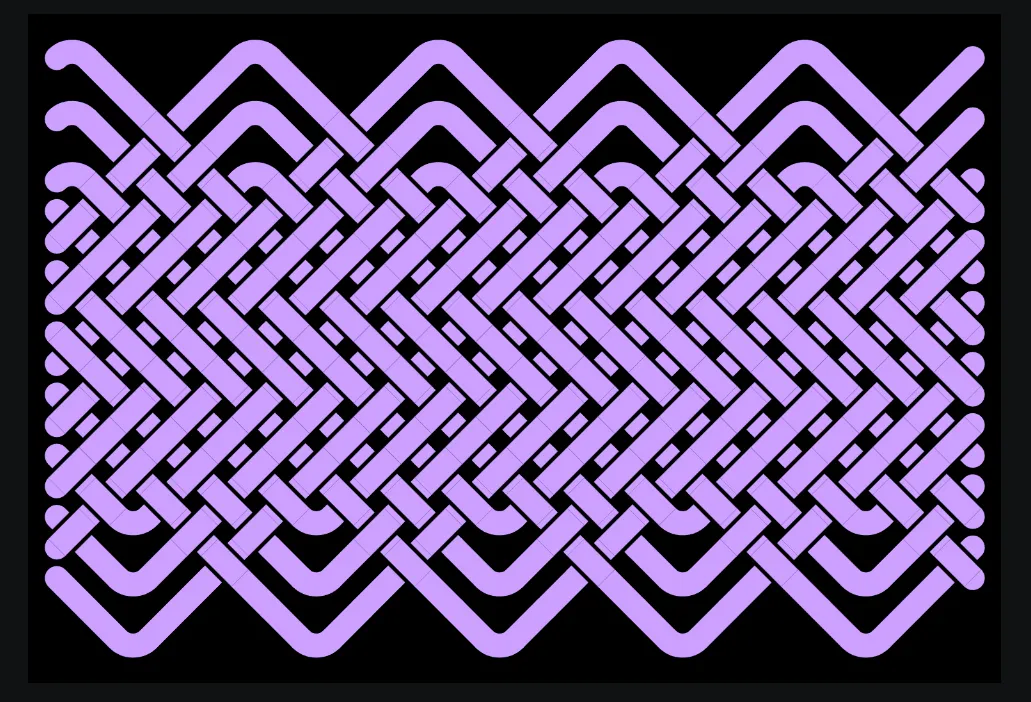
Section titled “An Easy Alternative”This knot started as a Turks Head and then Toggle OU was used to create the tread pattern in the center.
This pattern can be created using row coding, a repeating coding pattern, and the right bight-part combination. Even so, there are times when using Toggle OU is faster & easier.