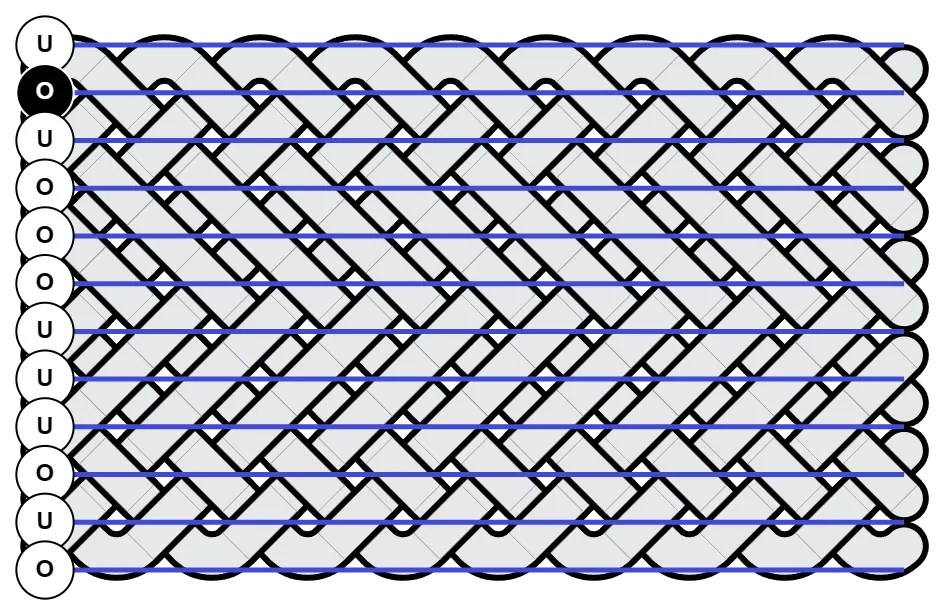

Full Custom Coding
One of the interesting but less obvious things you can do with Bight Forge is using Coding Pattern to define each row or column.
This approach works especially well with Row Coding and targeting the bight rows.
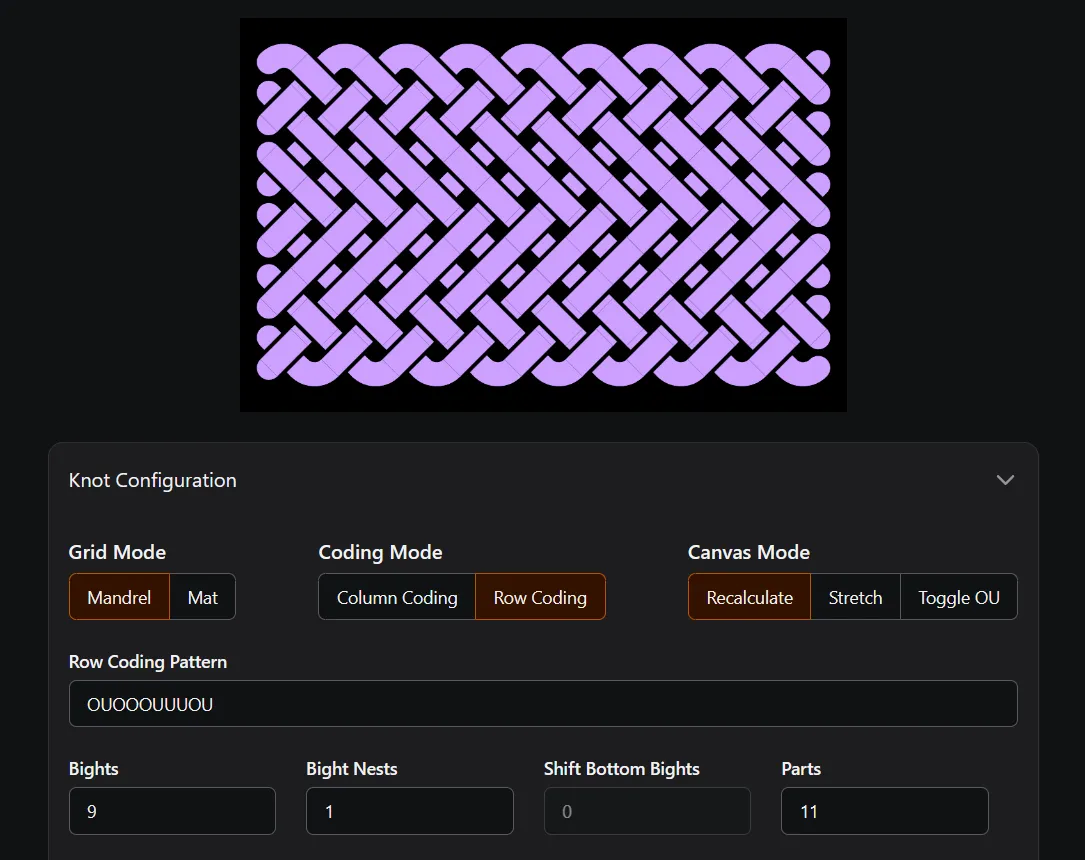
The easiest way to understand how and where the Coding Pattern is being applied is to use Options > Canvas & Image Settings.
- For Row Coding, use Show Coding Rows
- For Column Coding, use Show Coding Columns
Notice how the pattern starts on the first row where crossings exist. The start row or column is indicated by a black label with white text.