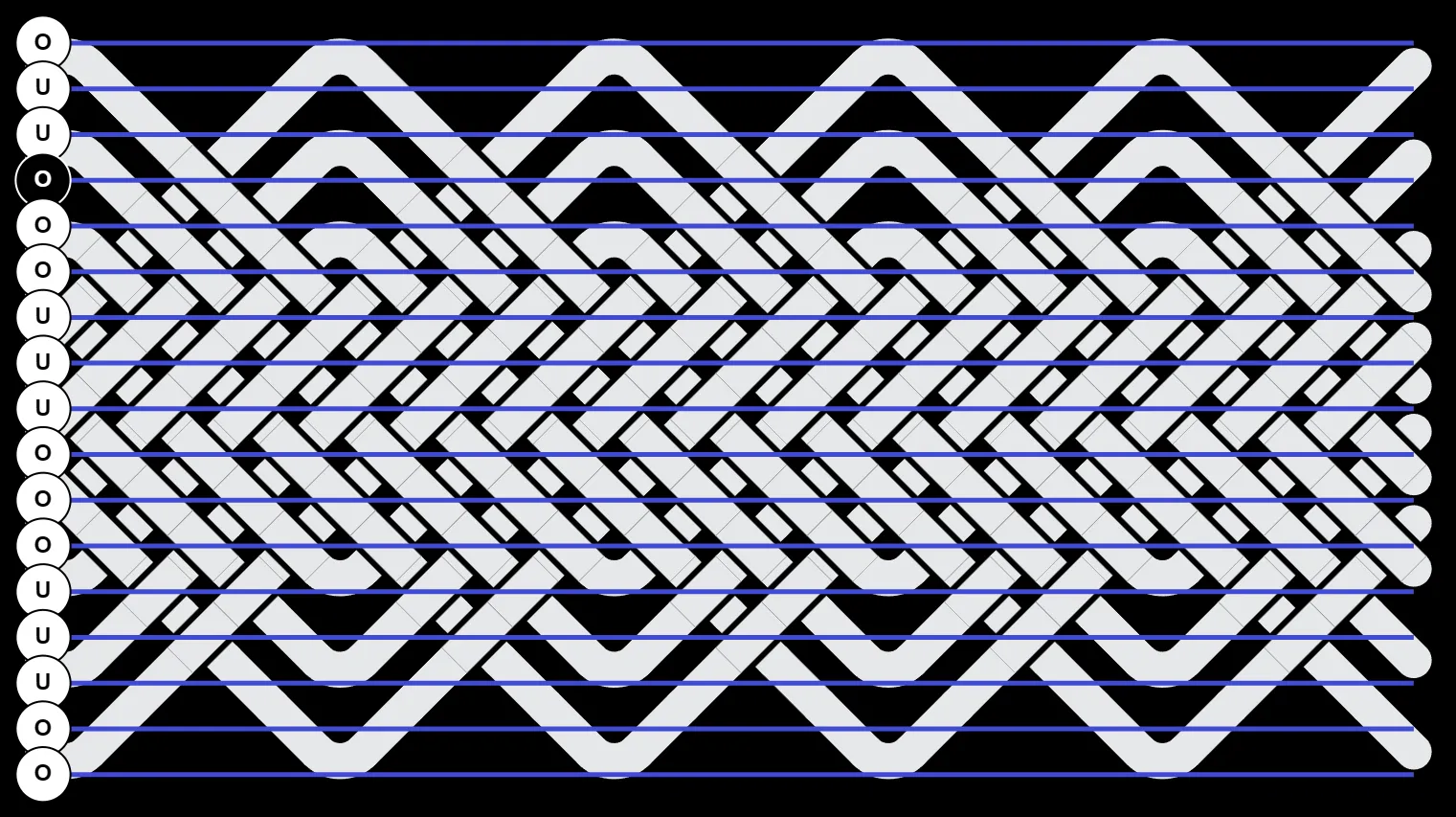

Row Coding & Column Coding
A knot’s Coding Pattern is a sequence of overs and unders that is applied to either the grid’s columns or rows. This can be:
- A repeating pattern such as O3U3.
- A fully coded pattern where each row or column is defined.
Check out the Coding Guide to learn more about popular knots and custom coding.
Coding Labels
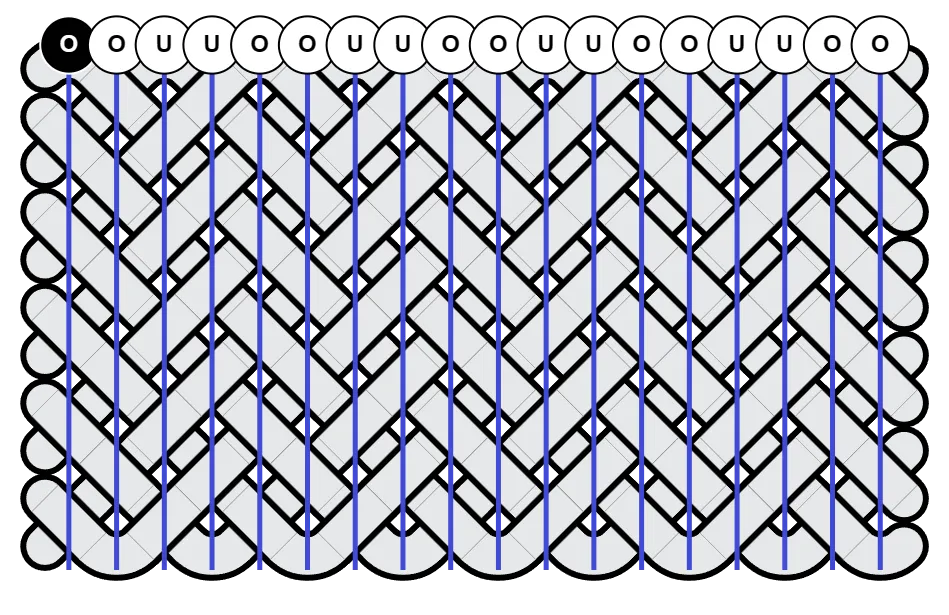
Section titled “Coding Labels”The grid lines & labels seen here can be toggled on at Options > Canvas & Image. The black label with white text indicates where the pattern starts.
Note that the labels indicate what is entered as the Coding Pattern. If you switch to Toggle OU mode and edit the weave, these labels can’t and don’t update.
The \ Strand
Section titled “The \ Strand”An important thing to know is that coding is applied to the \ strands. If a crossing is over, then the \ strand is over and the / strand is under. This is true for both row and column coding.
Column Coding
Section titled “Column Coding”This fan knot is using O2U2 column coding.
Row Coding
Section titled “Row Coding”This fan knot is using 02U2 row coding.
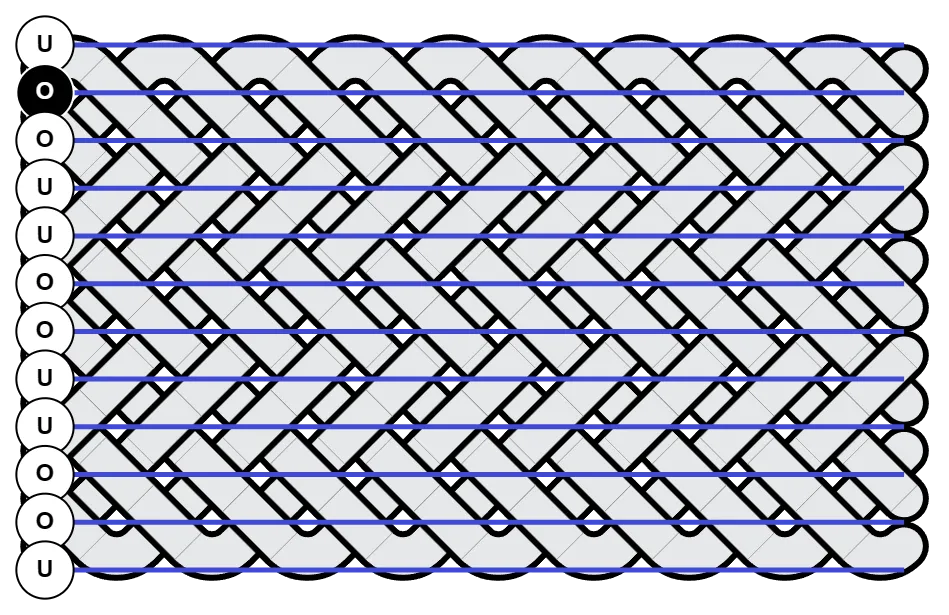
Row Coding & Bight Nests
Section titled “Row Coding & Bight Nests”Notice how the coding pattern starts at the first row of crossings as indicated by the black label with white text.