
Canvas & Image Settings
Canvas & Image settings control what is visible on the canvas, the resolution of knot images, and the size of the canvas on-screen.
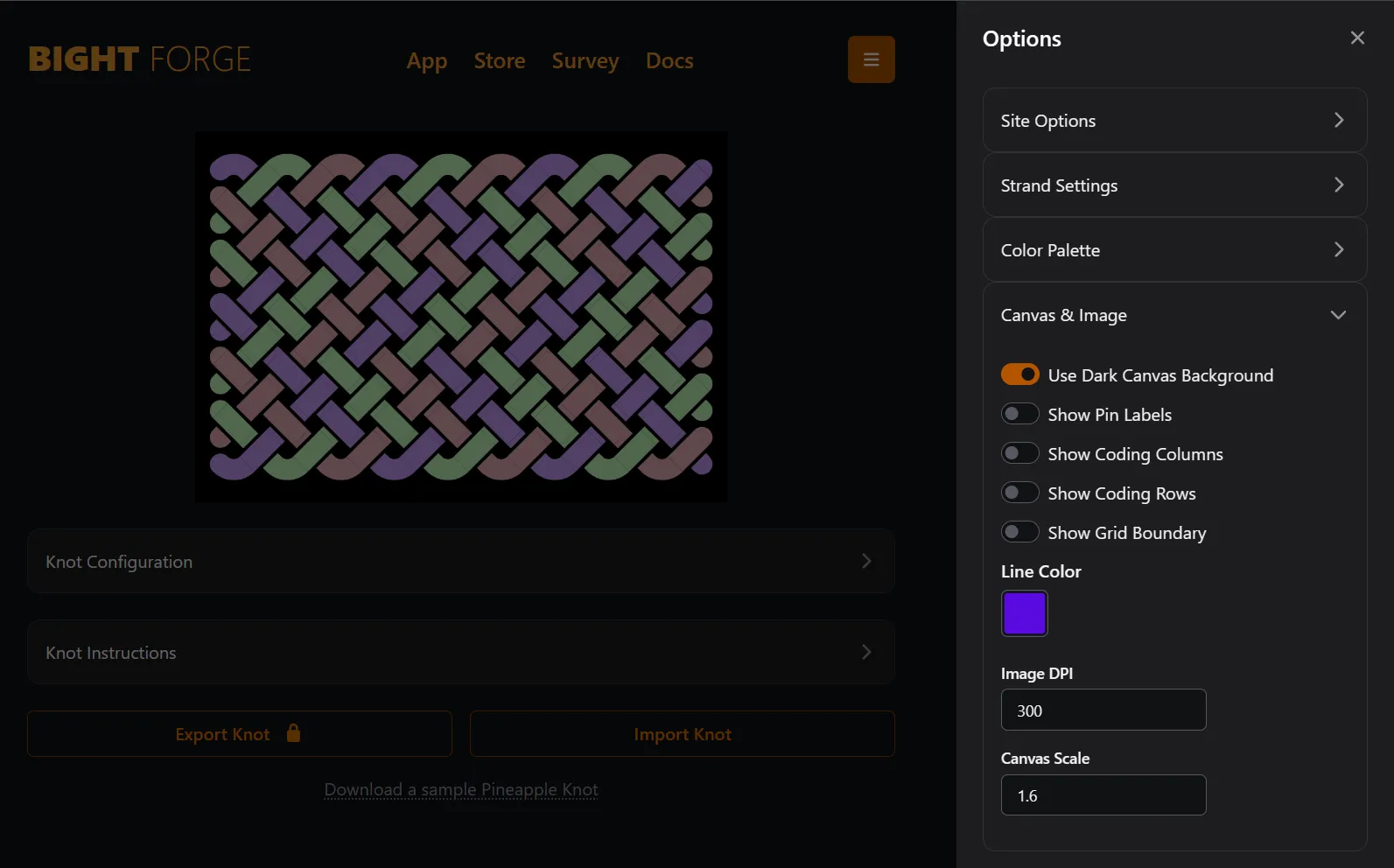
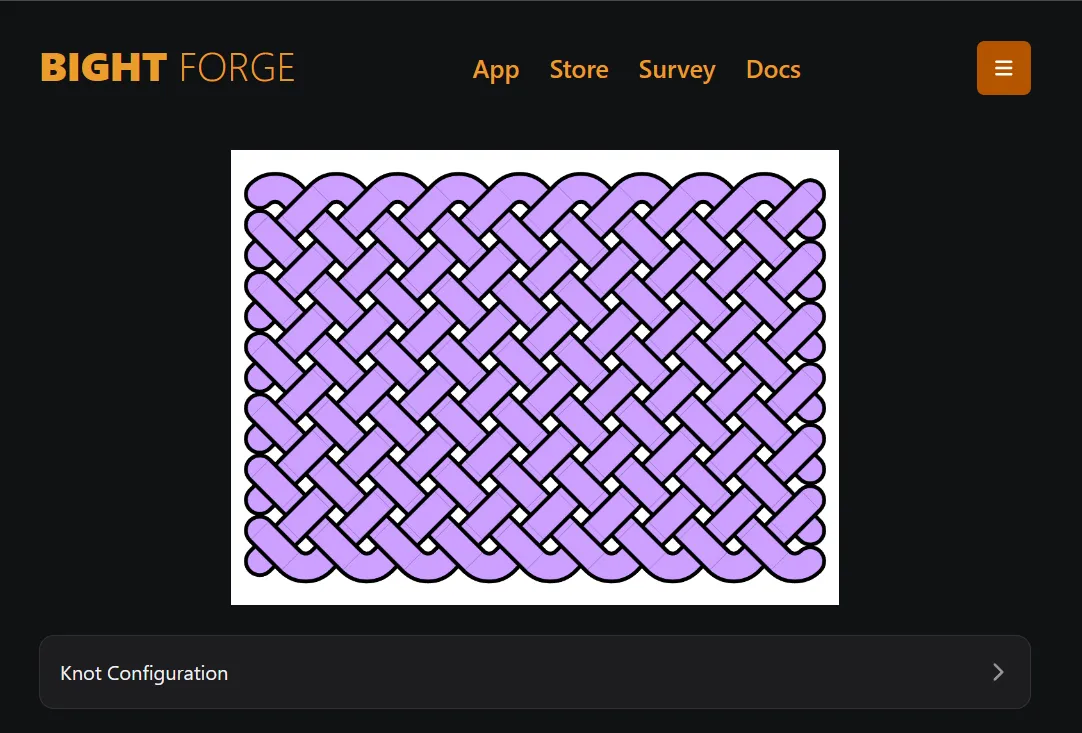
Use Dark Canvas Background
Section titled “Use Dark Canvas Background”Use this to switch between a black or white canvas background independent of the site’s color theme.
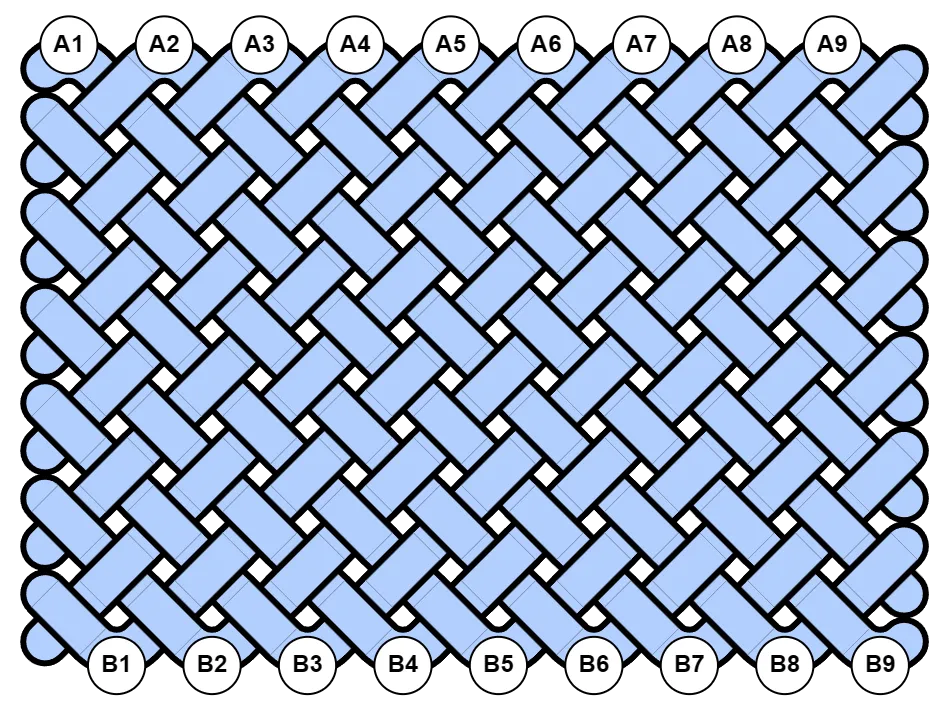
Show Pin Labels
Section titled “Show Pin Labels”Use this to toggle the display of pin labels on the canvas.
Show Coding Columns
Section titled “Show Coding Columns”Use this to toggle grid lines where Column Coding is applied.
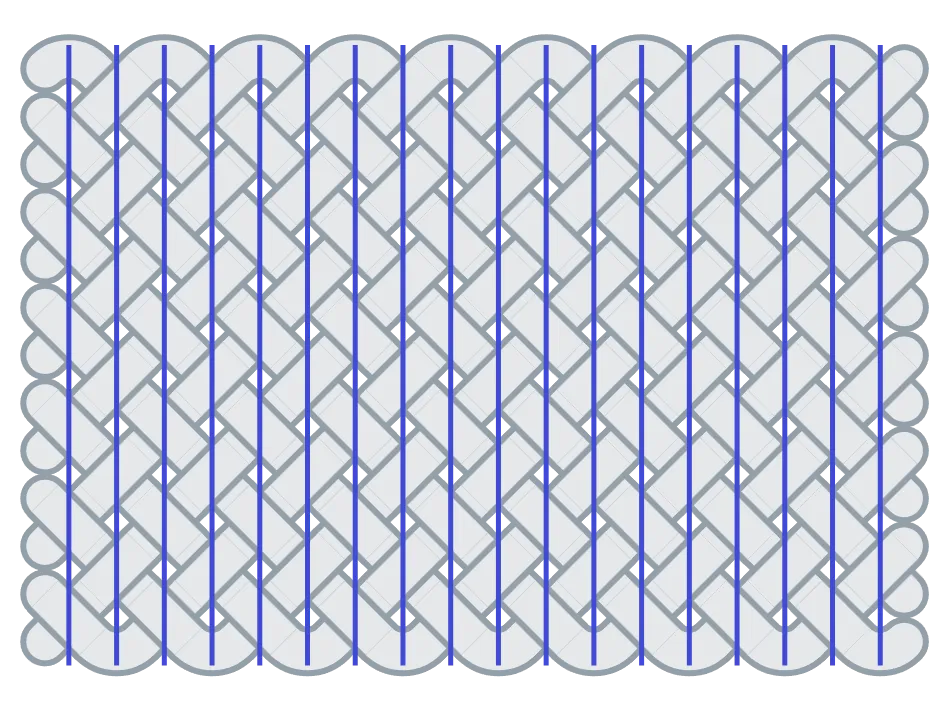
Show Coding Rows
Section titled “Show Coding Rows”Use this to toggle grid lines where Row Coding is applied.
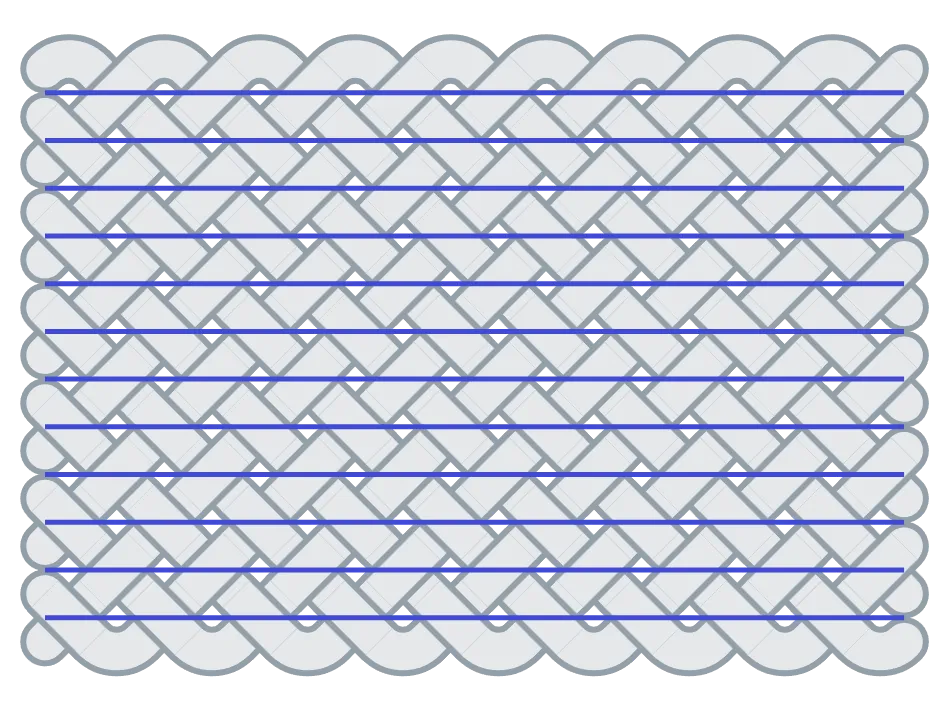
Show Grid Boundary
Section titled “Show Grid Boundary”Use this to toggle the grid boundary used for size estimates.
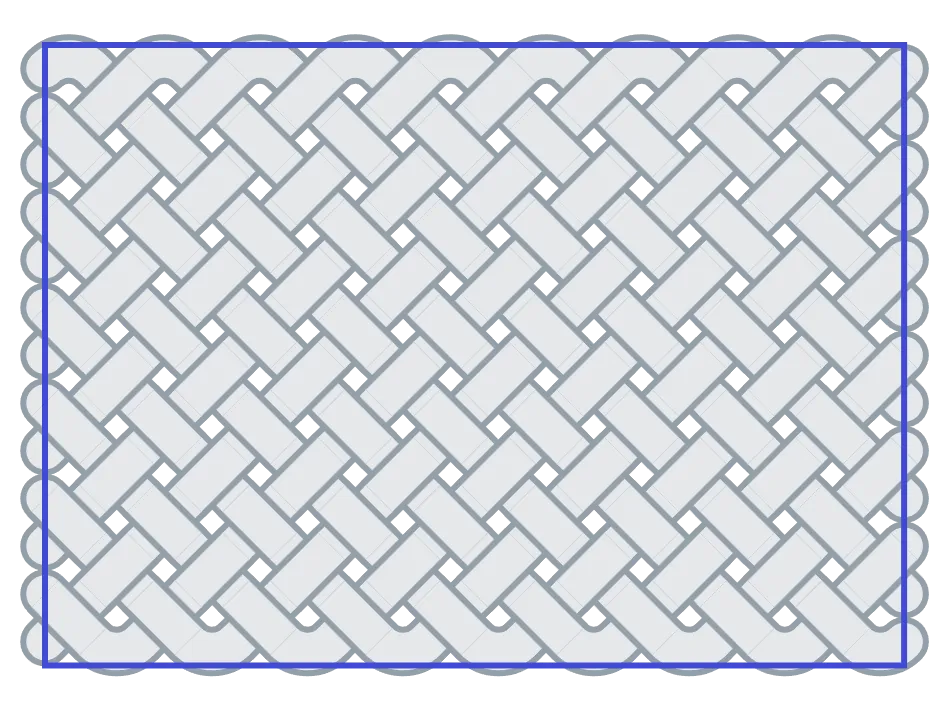
Image DPI
Section titled “Image DPI”Image DPI is useful for printing knot images to match physical dimensions. A common use case is sizing the image to fit a mandrel using a combination of Stretch Grid and DPI. Here Image DPI should match your printer’s DPI.
Canvas Scale
Section titled “Canvas Scale”Canvas Scale lets you adjust the size of the on-screen canvas for better viewing. It does not impact knot size or strand length estimates.