Grid Topology
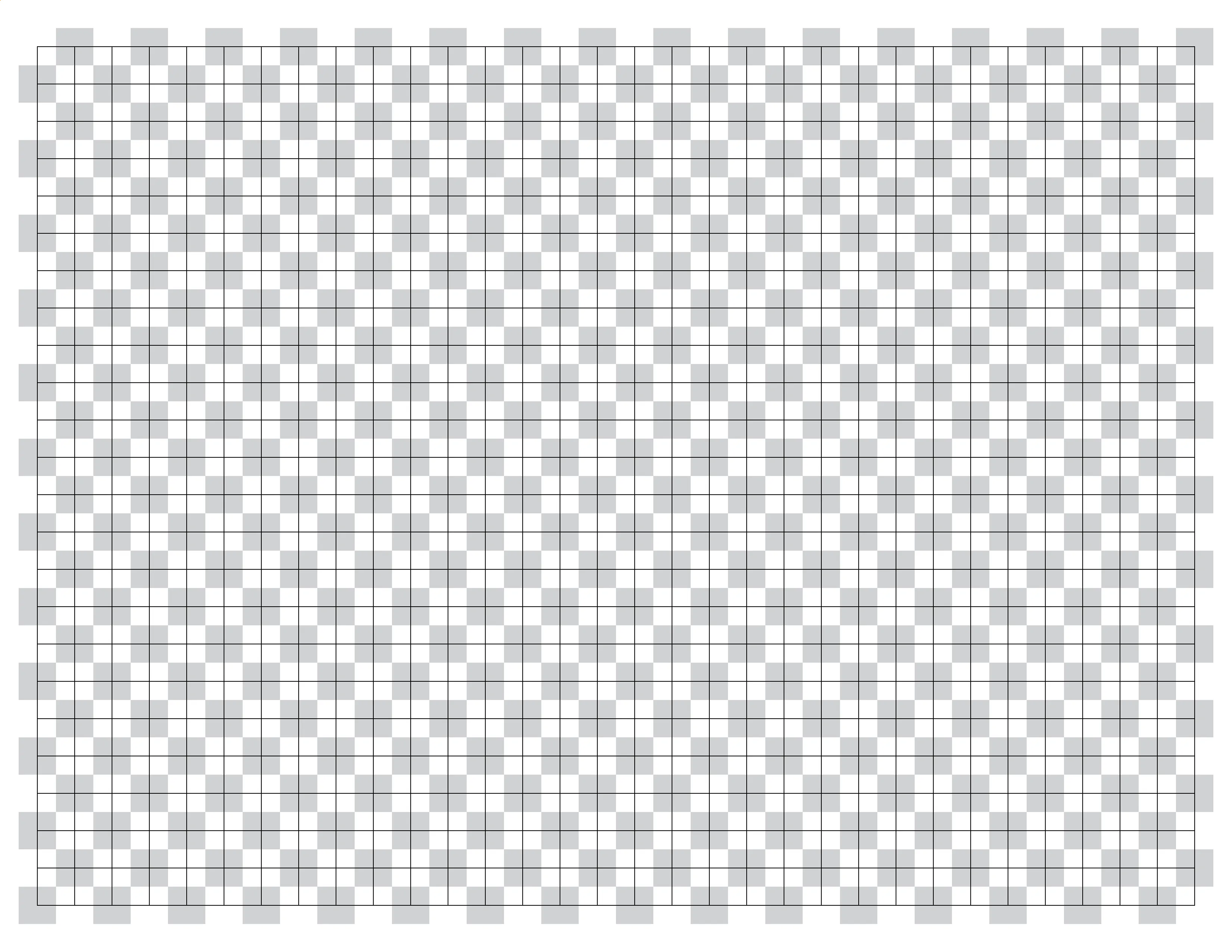
Knot’s are defined on a 2D grid much like stretchable graph paper. Grid lines can be toggled at Options > Canvas & Image.
Node Grid vs. Face Grid
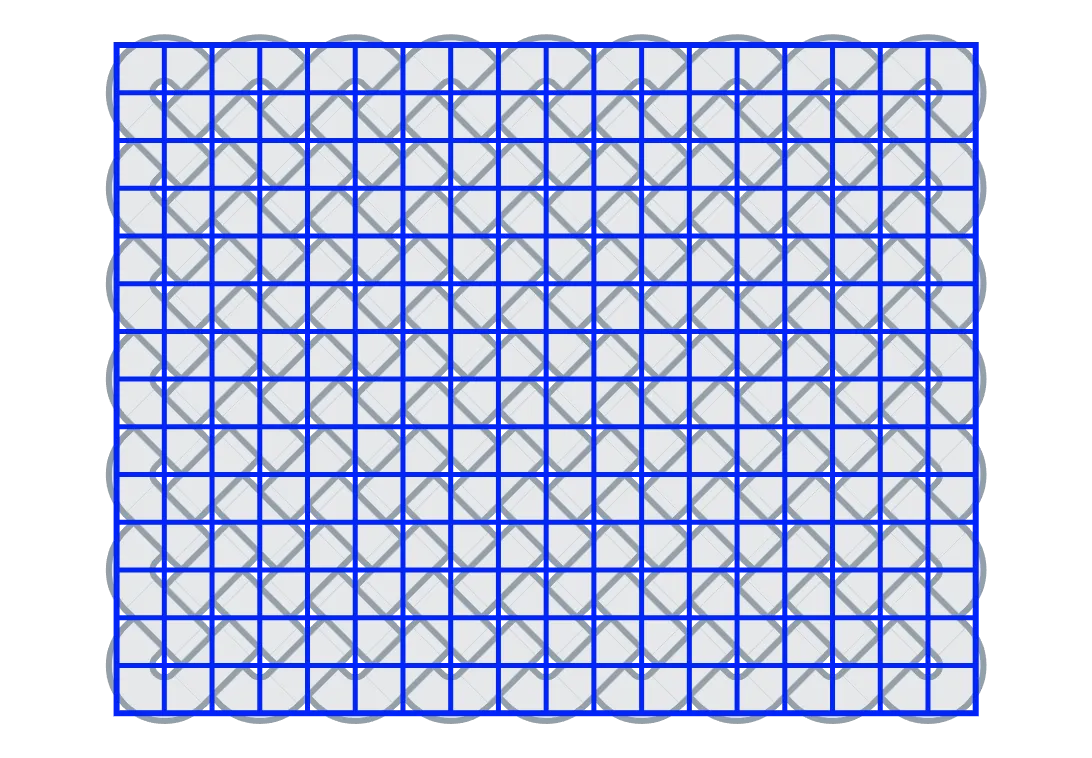
Section titled “Node Grid vs. Face Grid”An important concept is that knots are defined on a node grid - and not a face grid.
The most familiar example of a face grid is a spreadsheet or table - columns and rows of cells where data lives inside the cells. Compare this to a node grid where:
- Each line is a column or row.
- Nodes exist at the line intersections.
- Nodes are the XY coordinates where data lives.
Checkerboard Mask
Section titled “Checkerboard Mask”A checkerboard mask is applied to the grid. This determines valid and invalid nodes where a knot’s design can be defined. It creates the diagonal lanes of travel for strands and enforces certain math.
For example, you need 2 columns (or rows) for each bight - the valid node where the bight sits, and an invalid node separating it from the next bight or crossing.